Pay as you go
One scene?
Start with piments.
Top up your wallet once. Use piments when you want. No subscription required.
Create from 519 piments ↗18+ · UV glow AI video
A blacklight AI video kills the lights and keeps only what glows. Upload one photo and Neonyx puts you in a pitch-black room under ultraviolet tubes, white fabric and fluorescent makeup blazing, skin sinking into deep violet, in a vertical 5, 10 or 30-second clip with ambient sound. 18+ only, never explicit.
Select one or more models for a duo or group video. Describe who appears in your prompt.
Type @ to mention an image in your scene.
Choose an idea to add it. Your existing text is kept.
If generation fails, you get refunded.
One payment, no subscription required. Piments are deducted once and your balance is saved to your account. Guest videos are never added to a library; previously saved files can be deleted in Settings.
Generated with Seedance 2.5 by ByteDance: strong face, outfit and style consistency with your reference photos.
Upload your references, describe the scene and choose your length. Your clip appears right here.
Your videos will appear here after checkout or generation. Keep creating while they render.
Signed-in orders are available across devices. Guest orders need this browser’s session. Rendering time varies; no fixed countdown is promised.
Ultraviolet follows real rules, and prompts that respect them look real.
| Item | Under UV | In the prompt |
|---|---|---|
| White cotton, white mesh | Glows bright blue-white | “white crop top glowing under UV” |
| Neon yellow, green or pink fabric | Glows hard in its own color | “neon green bodysuit blazing” |
| UV body and face paint | Glowing lines and dots on skin | “UV paint lines along the arms and collarbones” |
| Fluorescent makeup | Glowing liner, lips or freckles | “glowing pink eyeliner” |
| Teeth and eyes | A faint glow | Let a smile do the work |
| Black, navy, dark red | Almost disappears | Use it to hide what should stay dark |
| Skin | Turns dark violet-blue | Add a soft violet fill to keep the face readable |
Dark clothes vanish under UV, which you can use: a black outfit with glowing details reads as pure light.
Blacklight does what no other light can: it deletes the room. Walls, crowd and furniture go black, and only the outfit, the paint and the smile remain. Every clip gets a strong graphic look, and all the attention lands on the person in it.
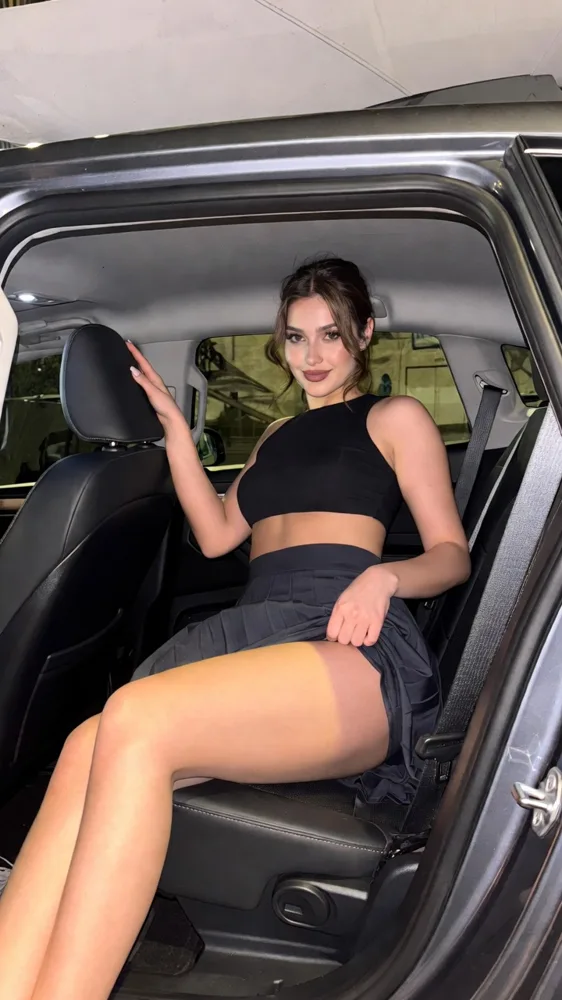
It also hides an ordinary photo. Your reference can be a bedroom mirror selfie; once the prompt sets a dark room and UV tubes, only the glowing parts of your look carry over. If the outfit in your photo is dark, name one glowing element: UV paint, white gloves, neon laces.
Upload yourself as @Image 1. Darkness hides detail, so test at $5.19 and render the keeper in High or Ultra High.
@Image 1 with glowing UV paint lines tracing the collarbones, arms and cheekbones, wearing a black crop top, sways slowly in a pitch-black room lit only by ultraviolet tubes, eyes on the camera, slow push-in, muffled party noise.
The black top disappears; the lines become the outfit’s frame.
@Image 1 in a white mesh top and white shorts dances under blacklight, the fabric glowing bright blue-white, skin in deep violet shadow, one slow turn, static medium shot, crowd chatter.
Works straight from a photo in light clothes.
@Image 1 in a tight close-up under UV light, glowing pink eyeliner and fluorescent freckles, slowly opens the eyes and smiles, teeth catching the glow, dark background, quiet hum.
A face photo is enough.
@Image 1 at a blacklight party in a neon green bodysuit that blazes in the dark, glow sticks swinging through the crowd, throws the arms up and laughs, wide handheld shot, cheering.
Loud and euphoric; keep the crowd blurred.
@Image 1 in white gloves and a black dress moves the hands slowly in front of the face under ultraviolet light, the gloves glowing, a slow white strobe flashing every few seconds, static close shot, the thrum of the room next door.
Hands as light: hypnotic at ten seconds.
Copy what you need:
Glowing details are small: they need High 720p or Ultra High 1080p to stay crisp.
Look, darkness, render: the price is on the button first.
A sharp, well-lit photo works best, even one taken in daylight: the darkness comes from the prompt. Light or neon pieces glow the most.
Pitch-black room, UV tubes, what glows and one slow move. Or load a prompt to start.
Test five seconds in 480p, then render ten in High 720p or Ultra High 1080p so the glowing lines stay clean.
Key lines from the terms of use.
You confirm rights and consent before each render. Body paint is an accessory here, worn with an outfit, never instead of one.
Per clip, set by length and quality. Pay by card without an account, or in piments (100 piments = $1).
| Length | Medium · 480p | High · 720p | Ultra High · 1080p |
|---|---|---|---|
| 5 seconds | $5.19 | $6.49 | $15.59 |
| 10 seconds | $6.49 | $11.69 | $31.19 |
| 30 seconds | $15.59 | $32.49 | $92.29 |
Not much, as in real life: black absorbs UV. Add a glowing element in the prompt, like UV paint lines, white gloves or neon laces, and the black becomes a frame for it.
Yes. Describe the pattern and where it sits: “glowing UV dots along the cheekbones and collarbones”. Simple patterns hold better than detailed artwork.
Ask for a soft violet fill on the face or glowing makeup near the eyes. With no light at all on the face, the model can lose it.
No. Neon lights you from a sign; UV turns your clothes and paint into the light source. For colored light on skin, see the neon AI video generator.
Glowing paint on collarbones and arms, a mesh top, a slow sway with the eyes locked on the lens. Never explicit: nudity and sex acts are against the terms and can be refused by the video provider’s checks, and body paint never replaces clothing.
Updated · Terms · Privacy · Data controls
Pay for the night
100 piments = $1. Weekly plans keep the same video prices and give you 25% more piments.
Top up your wallet once. Use piments when you want. No subscription required.
Create from 519 piments ↗Automatically renews every week. Cancel anytime before renewal. Unused piments stay available. Piments use the same published video prices. The 20% comparison is rounded to the nearest cent.
18+ · Adults only
You must be 18 or older to enter. Use only images you own or have permission to transform, featuring adult subjects and, for identifiable real people, their consent. Deepfakes of real people without their consent are strictly forbidden.
Privacy · Terms of use